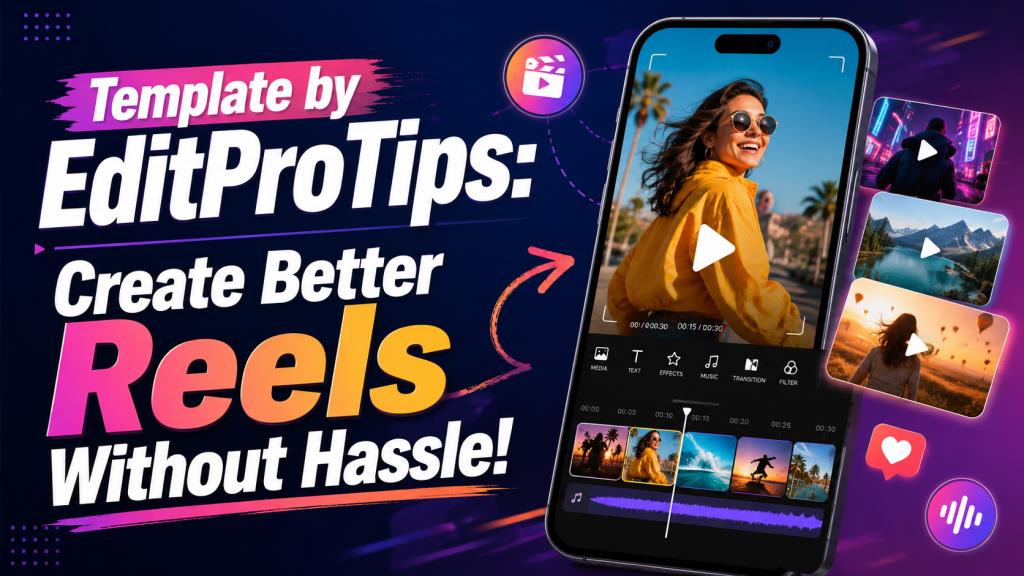
Template by EditProTips: Create Better Reels Without Hassle
Creating a polished short video no longer requires hours of manual editing. Many mobile creators now begin with ready-made layouts that already include transitions, timing, effects, text styles, and music synchronization. One search phrase often connected with this type of content is template by EditProTips.
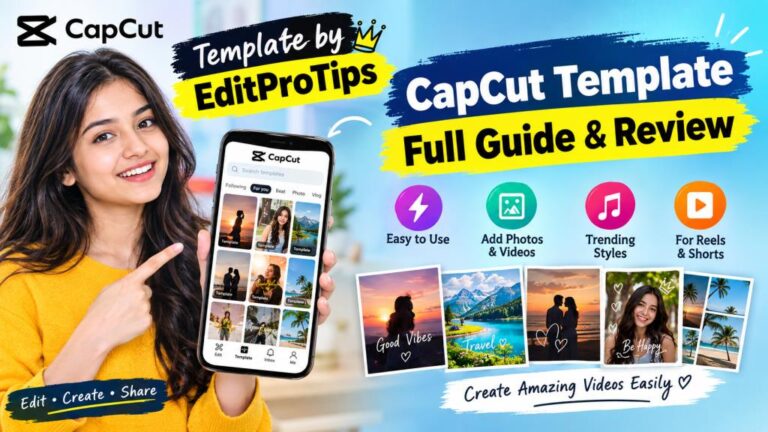
The phrase generally refers to editing resources associated with EditProTips, including CapCut templates, VN template codes, AI photo-editing prompts, and tutorials for short-form content. The EditProTips website presents its resources as tools for Instagram Reels, TikTok-style videos, and YouTube Shorts, while CapCut also has an exploration page for the branded phrase.
However, not every page using the phrase is official, safe, or equally useful. Similar domain names, copied pages, and reposted links can appear in search results. A careful user should understand what a template does, which app it requires, and what permissions or downloads are involved.
This guide explains what template by EditProTips means, how such templates work, how to use them sensibly, and how to make the final video feel original rather than copied.
What Does Template by EditProTips Mean?
A video-editing template is a prearranged project. Instead of building every cut and effect from zero, you replace sample photos or clips with your own media. The app then applies the existing sequence, transitions, speed changes, filters, text animations, and beat timing.
When people search for template by EditProTips, they may be looking for a CapCut template link, a VN template or QR code, an editing tutorial, an AI image prompt, or a preset inspired by a popular reel.
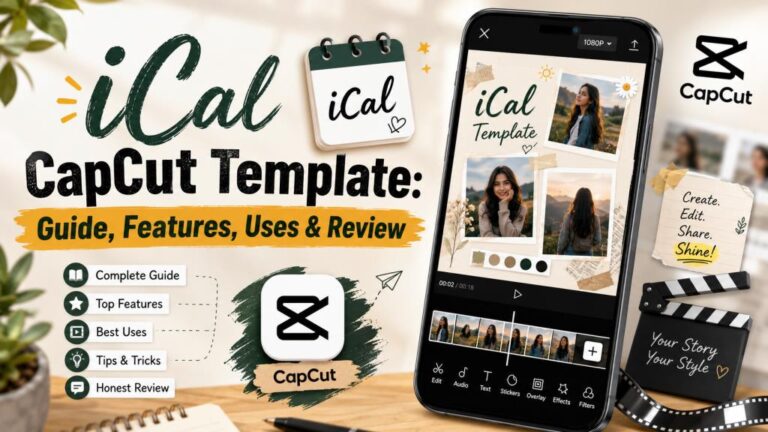
CapCut templates are usually designed for quick media replacement. You open a supported template, select the required number of photos or videos, preview the result, and export it. CapCut describes templates as ready-made editing structures that reduce the need to arrange every element manually.
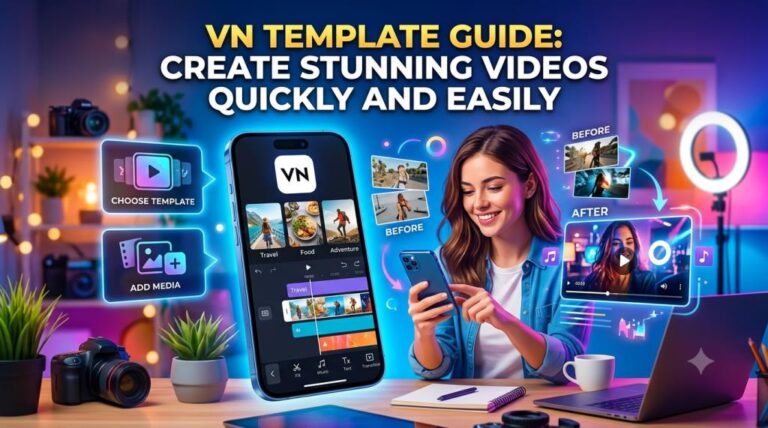
VN resources may work differently. A creator may share a project file, code, QR image, or tutorial showing how to reproduce the edit. The exact process can vary by app version and by how the original creator published the project.
AI prompts are another part of the same ecosystem. These are written instructions used in an AI image tool to create a certain portrait style, background, outfit, lighting setup, or cinematic mood. A prompt is not a video template, but the generated image can later be used in a reel.
The key point is that template by EditProTips is not one universal file. It is a branded search phrase covering different editing resources. Always read the page title and instructions before assuming a link will open directly in your preferred app.
Why These Templates Appeal to Mobile Creators
The biggest advantage is speed. A beginner may know what kind of reel they want but not know how to synchronize cuts with music, create a smooth zoom, design animated text, or apply a speed ramp. A good template handles much of that technical work.
Templates also reduce decision fatigue. Starting with an empty timeline can feel confusing because every duration, transition, font, and effect must be chosen. A ready-made project provides structure, allowing the creator to focus on better photos, a clear sequence, and a useful caption.
This is practical for small businesses, students, and local creators. Product photos can become a promotional reel, while travel clips or event images can become a quick, organized montage.
The template by EditProTips keyword also attracts users who want a visual result they have already seen online. They are often not searching for a complete editing course. They want a similar pace, transition style, or photo arrangement using their own content.
Still, a trending template cannot guarantee a viral video. Reach depends on the opening, media quality, topic relevance, audience interest, caption, and platform behavior. A template improves presentation; it does not replace a strong idea.
How to Use Template by EditProTips Step by Step
First, identify the exact resource. A result may say “CapCut template,” “VN template,” “AI photo editing,” or “preset.” Before clicking a download button, confirm which application is required and whether that application is available through a legitimate source in your region.
Next, preview the effect. Check the number of photos or clips required, the video orientation, the approximate duration, and whether the style matches your purpose. A fast romantic montage may not suit a business announcement, while a dramatic speed-ramp edit may hide product details viewers need time to read.
Prepare your media before opening the template. Select clear, well-lit files and put them in a separate album. If the project needs eight photos, choose eight strong images rather than selecting random files under pressure. Arrange them in a logical sequence: introduction, development, strongest moment, and ending.
When using a template by EditProTips, open the template link in the named editor, choose the option to use or edit it, and select your media in the required order. Then watch the full preview at least twice.
During the first preview, look for technical problems. Check whether faces are cropped, text is hidden, important objects disappear behind overlays, or a landscape photo looks awkward in a vertical frame. During the second preview, judge the story. Ask whether the opening is interesting, the sequence makes sense, and the strongest image appears at the right moment.
Replace weak clips rather than accepting the first result. If an image appears for only half a second, use a simple photo that viewers can understand immediately. Save detailed images for slower sections.
Review the sound before exporting. Some templates include audio that may not be suitable for every platform, region, audience, or commercial use. When needed, remove the built-in audio and choose music from the platform’s licensed library. Businesses should be especially careful with copyrighted songs in advertisements.
For most short-form videos, a 9:16 vertical format works well. After exporting, watch the file outside the editing app. This final check can reveal compression, missing audio, black borders, spelling mistakes, or timing problems.
How to Customize a Template So It Looks Original
The main weakness of template-based content is sameness. When many users select the same effect, their videos can become difficult to distinguish. The answer is not to avoid templates completely, but to treat the template as a framework rather than a finished creative decision.
Start with the first one or two seconds. Replace a generic opening image with a strong close-up, a surprising result, a clear title, or a visual question. A travel reel, for example, could begin with “Would you visit this hidden place?” followed by the strongest shot.
Change the text to serve the viewer. Do not add decorative words simply because the template includes a text box. Use the space for a location, price, date, product benefit, lesson, or short story. Keep the wording short enough to read before the screen changes.
A template by EditProTips can also be improved through consistent branding. A business creator may use the same logo, font style, product color, and final call to action across several videos. A personal creator can use a recognizable caption style or opening phrase.
Match the edit to the footage. Quick-cut templates work best with clear movement or visually different clips. Slow zooms suit sharp photos with enough background space. Avoid forcing poor-quality media into a trend just because the effect is popular.
Avoid adding too many filters, stickers, sparkles, overlays, and animated words. Extra effects can make a clean template look chaotic. Add only what improves clarity, emotion, or brand recognition.
Most importantly, choose by purpose. The right template by EditProTips for a birthday montage may be wrong for a tutorial. A tutorial needs readable steps and slower pacing. A product reel needs clear details. A motivational reel may depend more on text and music.
Read More: Trending CapCut Template: Create Viral Videos Faster
Common Problems, Safety Checks, and Mistakes to Avoid
A template link may fail because it is outdated, deleted, unsupported by the current app version, blocked by a browser setting, or unavailable in a region. Update the relevant app through a trusted store, reopen the link in a normal browser, and confirm that the page clearly names the required editor. Avoid installing random modified apps simply to open one template.
Another problem is misleading download buttons. Some websites use advertisements that look like real controls. Read the label carefully and check where the button leads. A normal template should not require banking details, identity documents, email passwords, or social-media passwords.
Be cautious with similar website names. Search results show multiple sites using EditProTips-like branding and domains, so users should not assume that every similarly named page has the same owner or safety standards.
Check the last frame for watermarks, sample names, or creator placeholders. Remove only what the template allows you to edit, and do not present another creator’s original design as your own. Respect the app’s terms, the template creator, and the music owner.
Finally, do not chase every trend. Repeatedly using unrelated templates can make an account feel inconsistent. Select formats that support your topic and audience. A clear, useful reel often has more lasting value than a flashy edit with no purpose.
Final Thoughts: Use Templates as a Starting Point
The real value of template by EditProTips is accessibility. It gives beginners a faster route into video creation and helps experienced users test ideas without rebuilding common effects every time.
The best results come from combining convenience with judgment. Choose a trustworthy source, understand the required app, prepare strong media, preview carefully, check music rights, and customize the final edit for your audience. A template should save time, not remove your responsibility as the creator.
Use template by EditProTips to learn how timing, transitions, music, and visual order work together. Then gradually develop your own style. The goal is not merely to reproduce a trending reel. It is to communicate your idea clearly and create something viewers remember.
FAQ About Template by EditProTips
Is template by EditProTips an app?
No. The phrase usually refers to editing resources published or promoted under EditProTips-related branding. A particular resource may require CapCut, VN, an AI image generator, or another editing application.
Is template by EditProTips free?
Many shared templates and tutorials are presented as free, but the required editing app may include premium effects, paid features, subscriptions, or advertisements. Check both the template and app before starting.
How do I open a template by EditProTips?
First identify whether it is a CapCut link, VN project, QR code, preset, or AI prompt. Open it only with the named compatible application and follow the page instructions. Avoid unrelated files and misleading download buttons.
Can I use these templates for Instagram Reels?
Yes, many are designed for vertical short-form content. Preview the aspect ratio and text placement before exporting because social-platform interface elements can cover text near the top or bottom.
Why is my template link not working?
The project may have been removed, the link may be old, the app may need updating, or the resource may not be available in your region. Look for a newer legitimate version rather than installing an unknown modified app.
Can I use a template for business promotion?
Yes, but check the music, stock media, font, and template licensing. Replace copyrighted audio with properly licensed commercial music when necessary.
How can I make a template video look unique?
Use original high-quality media, rewrite the text, change the opening, arrange clips as a story, add consistent branding, and remove unnecessary effects. The template provides structure; your choices create originality.
Is template by EditProTips safe to use?
The phrase itself is not a safety guarantee. Use trusted app stores, inspect the destination link, avoid unnecessary permissions, and never provide passwords or financial information merely to access a template.