VN Editor: Complete Guide to Easy Professional Video Editing
Introduction
Creating high-quality videos no longer requires expensive software or years of editing experience. Today, smartphones are powerful enough to produce impressive content, and modern editing apps make the process surprisingly simple. Among these apps, VN Editor has become one of the most popular choices for beginners, content creators, vloggers, students, marketers, and even professionals looking for a fast editing solution.
Whether you’re creating YouTube videos, Instagram Reels, TikTok clips, Facebook videos, educational presentations, or business promotions, VN Editor offers a combination of simplicity and advanced editing features that help users produce polished results without a steep learning curve.
One of the biggest reasons behind the growing popularity of VN Editor is its balance between ease of use and creative freedom. Unlike many free video editors that lock premium features behind subscriptions or add large watermarks, this app gives users access to professional tools while keeping the editing experience straightforward.
This guide explains everything you need to know about VN Editor, including its features, advantages, editing workflow, practical tips, common mistakes to avoid, and answers to frequently asked questions.
What Is VN Editor and Why Is It So Popular?
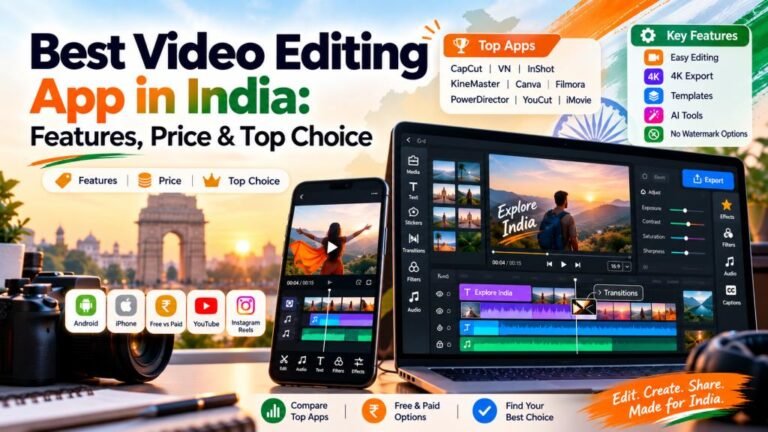
VN Editor is a free video editing application available for Android, iPhone, Windows, and Mac. It is designed to help users edit videos with professional-looking effects without requiring advanced technical knowledge.
The app has gained millions of users because it offers features that are often found only in paid editing software. Instead of overwhelming beginners with complicated menus, VN Editor organizes its tools in a clean and intuitive interface.
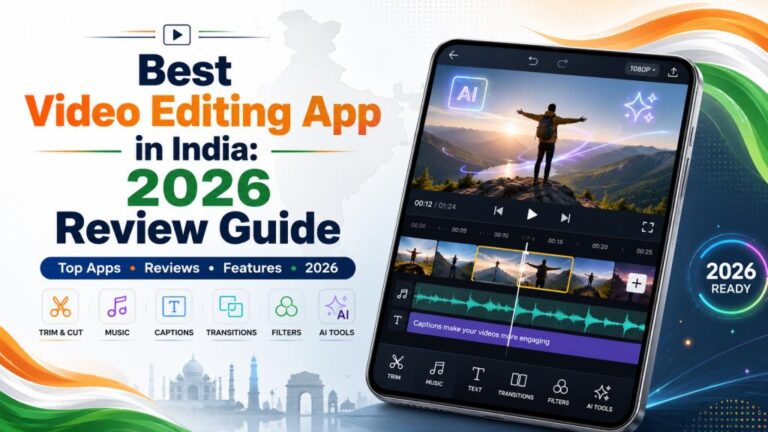
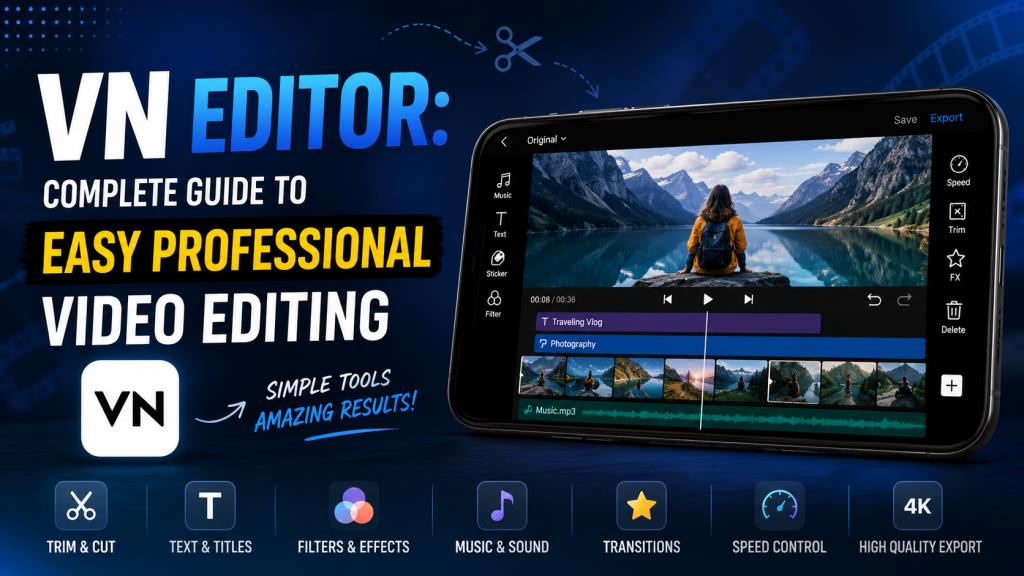
Some of its most appreciated capabilities include multi-layer timeline editing, transitions, keyframe animation, speed control, text overlays, filters, background music, subtitles, and high-resolution video exporting.
Many creators choose VN Editor because they can edit social media videos entirely on their phones while still maintaining excellent video quality.
Another advantage is that the application supports editing across different devices. Someone may begin editing on a smartphone and continue working on a desktop for greater precision.
For creators who upload content regularly, VN Editor saves both time and money by eliminating the need for expensive editing software during the early stages of content creation.
Key Features That Make VN Editor Stand Out
One of the strongest reasons people recommend VN Editor is its wide range of professional editing tools that remain easy to understand.
The timeline editing system allows users to trim, split, merge, duplicate, and rearrange clips quickly. Instead of working with only one video track, creators can use multiple layers for overlays, stickers, text, and images.
Keyframe animation is another impressive feature. It lets users create smooth movement by changing an object’s position, size, or rotation over time. This feature is especially useful for animated titles, zoom effects, and creative transitions.
Speed control is flexible enough for cinematic slow motion or dramatic fast-forward sequences. Users can even apply speed curves to create smoother acceleration and deceleration effects.
Audio editing in VN Editor is equally practical. Users can:
- Add background music
- Record voiceovers
- Insert sound effects
- Adjust volume independently
- Fade audio in or out
- Synchronize music with video clips
Text editing tools include customizable fonts, colors, animations, shadows, and positioning options. These features help create subtitles, captions, and attractive titles.
The app also includes numerous filters, color adjustments, transitions, and visual effects that improve the overall appearance of videos without requiring advanced editing knowledge.
Export options support high-definition resolutions including 720p, 1080p, and even 4K on supported devices.
Read More: Canva Templates: Design Smarter with Ready-Made Creative Ideas
How to Edit Videos Using VN Editor Step by Step
Learning VN Editor becomes much easier when you follow a simple editing process.
The first step is importing your video clips into a new project. Organize them in the correct order before making any edits.
Next, trim unwanted sections. Most videos become more engaging when unnecessary pauses, mistakes, and repetitive scenes are removed.
Once the basic sequence is ready, add transitions between clips. Smooth transitions make videos feel more professional, but they should be used carefully. Overusing flashy effects often distracts viewers.
After arranging clips, improve the visuals using filters or color adjustments. Increasing brightness, correcting white balance, or enhancing contrast can dramatically improve footage recorded in poor lighting.
Then focus on audio. Add background music that matches the mood of your content while ensuring your voice remains clear. If needed, record narration directly inside VN Editor.
Captions are becoming increasingly important because many viewers watch videos with muted sound. Adding subtitles improves accessibility and viewer engagement.
Before exporting, preview the project from beginning to end. This helps identify timing issues, spelling mistakes, or abrupt cuts.
Finally, export the project using a resolution suitable for your platform. For most creators, 1080p provides an excellent balance between quality and file size.
Following this workflow consistently makes editing faster over time.
Practical Tips to Get Better Results with VN Editor
While VN Editor provides many powerful tools, using them effectively matters more than simply applying every available effect.
Start by planning your video before editing. Knowing your storyline or message reduces unnecessary editing later.
Maintain consistent colors throughout your project. Sudden changes in brightness or color temperature can make videos look unprofessional.
Keep transitions simple. Clean cuts and gentle fades often look better than dramatic animations.
Pay close attention to audio quality. Viewers are usually more forgiving of average video than poor sound.
Use keyframes thoughtfully. Subtle camera movements and animated text often appear more polished than exaggerated effects.
If you’re editing for social media, choose the correct aspect ratio from the beginning. Vertical videos work best for TikTok, Instagram Reels, and YouTube Shorts, while horizontal formats remain ideal for standard YouTube videos.
Save projects regularly, especially when working on longer edits.
One helpful habit is watching your finished video once without making changes. Viewing it as an audience member often reveals improvements you missed during editing.
As you become more comfortable with VN Editor, you’ll naturally develop your own editing style.
Common Mistakes Beginners Should Avoid
Every new video editor makes mistakes, but recognizing them early helps improve faster.
One common mistake is adding too many transitions and visual effects. While they seem exciting initially, excessive effects often reduce video quality and distract viewers from the message.
Another issue is inconsistent audio levels. Background music should support the narration rather than overpower it.
Many beginners also ignore pacing. Videos with long pauses or repetitive scenes quickly lose audience attention.
Exporting in unnecessarily high resolutions can produce huge file sizes without noticeable improvements, especially for social media uploads.
Some creators rely entirely on filters instead of correcting lighting during recording. Although VN Editor offers excellent adjustment tools, good lighting still produces better results.
Failing to proofread captions and titles is another frequent error. Even small spelling mistakes can affect professionalism.
Lastly, many beginners forget to organize their media files before starting a project. Keeping videos, music, images, and graphics properly arranged makes editing much smoother.
Avoiding these mistakes allows users to take full advantage of VN Editor and create more polished content.
Is VN Editor the Right Choice for You?
Choosing a video editing application depends on your goals, experience level, and preferred workflow.
If you want an editor that is free, easy to learn, and capable of producing professional-looking videos, VN Editor is an excellent option.
Students can use it for presentations and educational projects. Small businesses can create promotional videos without hiring professional editors. Social media creators can produce engaging short-form content quickly.
Even YouTubers often use VN Editor for travel vlogs, tutorials, product reviews, gaming videos, and interviews.
The application is especially suitable for people who prefer editing on mobile devices while still having access to advanced editing features like keyframes and multi-layer timelines.
Although very complex film productions may eventually require advanced desktop software, VN Editor offers more than enough functionality for most everyday content creators.
Its combination of accessibility, flexibility, and professional features explains why it continues to grow in popularity worldwide.
Final Thoughts
The world of video content continues to expand, making reliable editing software more valuable than ever. VN Editor stands out because it successfully combines beginner-friendly design with professional editing capabilities, allowing almost anyone to create attractive videos without spending money on expensive software.
Whether your goal is building a YouTube channel, growing a business on social media, creating educational tutorials, preserving family memories, or simply learning a new creative skill, VN Editor provides the tools needed to bring your ideas to life.
Like any creative software, mastering it takes practice rather than perfection. Start with simple projects, learn one feature at a time, and gradually experiment with advanced techniques such as keyframe animation, color correction, and layered editing.
With consistency and creativity, VN Editor can become an essential part of your content creation workflow and help you produce videos that capture attention and communicate your message effectively.
Frequently Asked Questions
Is VN Editor completely free?
Yes. VN Editor offers a wide range of editing features without requiring a subscription for its core functionality. Availability of specific features may vary over time.
Can beginners use VN Editor?
Absolutely. VN Editor is designed with an intuitive interface, making it suitable for users with little or no editing experience.
Does VN Editor add a watermark?
In most cases, VN Editor allows users to export videos without a permanent watermark, making it attractive for creators who want clean-looking content.
Can I edit 4K videos in VN Editor?
Yes. VN Editor supports editing and exporting high-resolution videos, including 4K on compatible devices with sufficient hardware performance.
Is VN Editor good for YouTube videos?
Yes. Many YouTubers use VN Editor for vlogs, tutorials, educational content, reviews, and short-form videos because it includes professional editing tools while remaining easy to use.
Which devices support VN Editor?
VN Editor is available for Android smartphones, iPhones, Windows computers, and Mac devices, allowing users to edit videos across multiple platforms.
How long does it take to learn VN Editor?
Most beginners become comfortable with the basic tools of VN Editor within a few hours. Mastering advanced features like keyframes, masking, and animation may take additional practice, but the learning curve is generally much easier than many professional editing programs.