
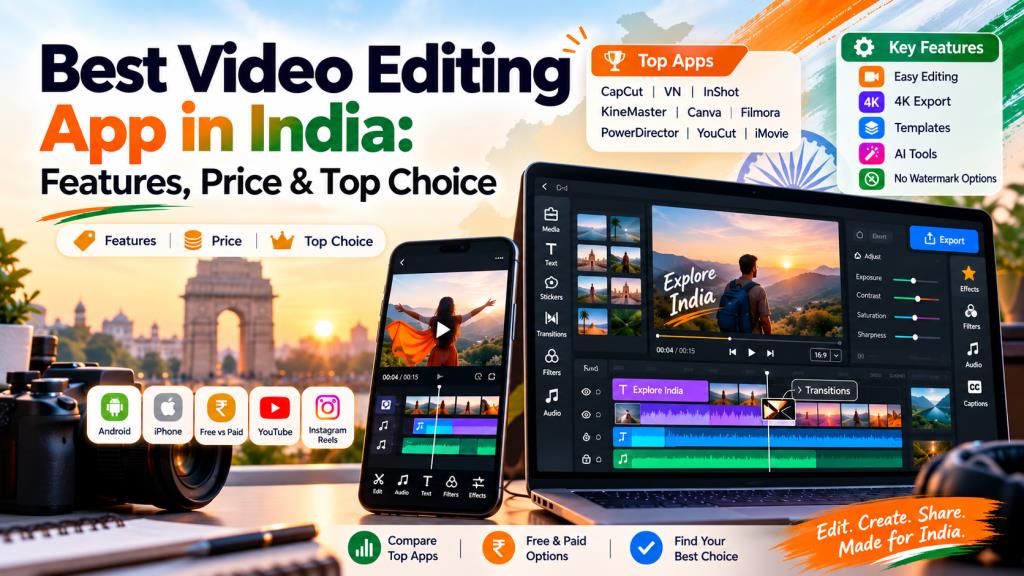
Best Video Editing App in India: Features, Price & Top Choice
Introduction
Video content has become an important part of YouTube, Instagram, Facebook, online businesses, education, and digital marketing. You no longer need an expensive computer or professional editing studio to create attractive videos. A good video editing app can help you trim clips, add music, create transitions, insert text, apply filters, and prepare videos directly from your smartphone.
However, with so many editing tools available, finding the best video editing app can be confusing. Some apps are designed for beginners, while others provide advanced tools for professional creators. This guide covers popular video editing apps in India, their important features, pricing models, and the type of users they are best suited for.
What Is a Video Editing App?
A video editing app is software that allows users to modify and improve recorded video. You can cut unwanted portions, combine multiple clips, add music, create subtitles, change video speed, use filters, and add transitions.
Modern apps also provide advanced features such as AI-powered captions, background removal, chroma key, keyframe animation, motion tracking, and 4K export.
Mobile video editors are especially useful for social media creators because videos can be recorded, edited, and published from the same device.
How to Choose the Best Video Editing App
Choosing the best video editing app depends on what you want to create. Beginners should look for an easy interface, templates, simple trimming tools, and automatic editing features.
YouTube creators may need multi-layer editing, good audio controls, high-resolution export, thumbnails, and effects. Instagram creators may prefer ready-made vertical templates, transitions, filters, captions, and music tools.
Before choosing an app, consider device compatibility, export resolution, watermark restrictions, available effects, storage requirements, subscription costs, and whether the free version provides enough features.
Best Video Editing Apps in India
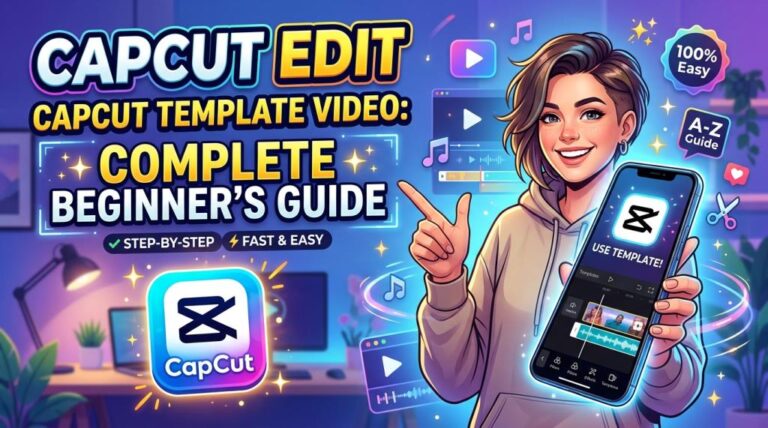
CapCut
CapCut is a feature-rich editor known for an easy interface, templates, effects, keyframe animation, slow motion, chroma key, auto captions, text-to-speech, motion tracking, and background-removal tools. Its combination of simple editing and AI features makes it attractive to short-form video creators.
Availability and features can vary by country, device, and app store, so Indian users should check their official app store before relying on it.
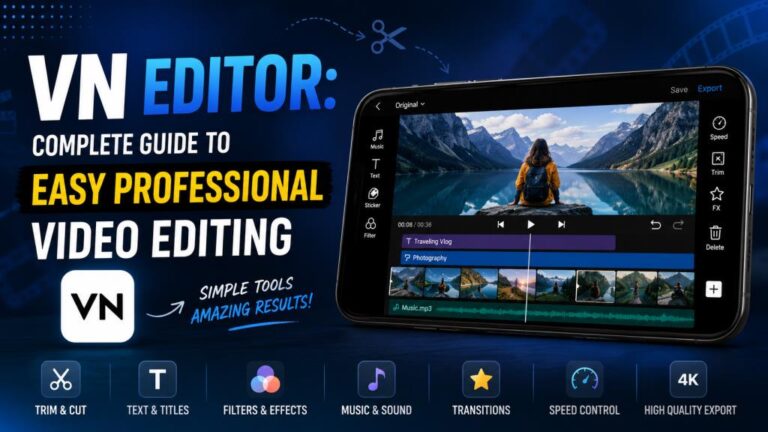
VN Video Editor
VN Video Editor is suitable for people who want more control without learning complicated professional software. It offers multi-track timeline editing, transitions, filters, speed adjustment, text tools, music, and keyframe-based editing.
The interface is relatively clean, making VN a useful option for beginners who want to gradually learn more advanced editing techniques.
InShot
InShot is particularly popular for editing short videos and social media content. Users can trim clips, adjust speed, add music, insert text, apply transitions, use filters, and resize videos for different social platforms.
Its simple workflow makes it suitable for Instagram Reels, YouTube Shorts, Facebook videos, and everyday personal editing.
KineMaster
KineMaster offers more detailed mobile editing tools, including multiple layers, effects, transitions, audio editing, templates, and other creative controls.
The free version can be used for editing, while KineMaster Premium removes advertisements and the KineMaster watermark and provides premium assets. Prices are displayed in local currency inside the app and can vary by platform or region.
Adobe Premiere Rush
Adobe Premiere Rush was once a popular cross-device editor for creating social media videos. It offered color adjustments, titles, audio tools, motion graphics, and straightforward timeline editing.
However, it is no longer a practical choice for new users. Adobe stopped offering Premiere Rush to new downloads on September 30, 2025 and scheduled the end of technical support for September 30, 2026. Existing users should consider moving to Adobe’s newer Premiere products.
Canva
Canva is more than a graphic-design tool. Its video editor allows users to create videos through templates, stock elements, animations, text, music, and drag-and-drop editing.
It works particularly well for business promotions, educational videos, social posts, presentations, advertisements, and creators who do not need complex timeline editing.
Filmora
Filmora is suitable for users who want an editor that sits between beginner and professional software. It provides transitions, titles, effects, audio controls, templates, AI-assisted tools, and more advanced timeline features.
It can be a useful choice for YouTubers and creators who plan to move beyond basic mobile editing.
PowerDirector
PowerDirector provides a combination of mobile-friendly editing and advanced tools. Depending on the platform and plan, features can include timeline editing, effects, titles, motion tools, transitions, and higher-level creative controls.
It is better suited to users who want more flexibility than a basic social media editor.
YouCut
YouCut focuses on simple mobile editing. It allows users to trim and merge videos, add music, change speed, apply filters, insert text, and prepare videos for social media.
Its uncomplicated interface makes it an appealing option for beginners who mainly need everyday editing rather than advanced professional production.
iMovie
iMovie is an excellent option for users in the Apple ecosystem. It works on iPhone, iPad, and Mac and includes trimming, transitions, titles, filters, soundtracks, picture-in-picture, split-screen effects, Storyboards, and Magic Movie.
Apple also supports 4K editing in iMovie, making it capable enough for many personal, educational, and creator projects.
Best Video Editing App for Android
For Android users, VN, InShot, KineMaster, YouCut, Filmora, and PowerDirector are worth considering. The right choice depends on your editing requirements.
InShot and YouCut are easier for quick edits, while KineMaster, PowerDirector, and Filmora provide more controls for creators who need advanced editing.
Best Video Editing App for iPhone
iPhone users have several strong options, but iMovie remains especially convenient because it is designed for Apple’s ecosystem. It supports 4K video and includes features such as Magic Movie, Storyboards, transitions, filters, soundtracks, and titles.
Users who need additional creative tools can also consider VN, InShot, KineMaster, Canva, Filmora, or PowerDirector.
Best Free Video Editing App
The best video editing app for free use depends on which features matter most. VN and YouCut are useful for straightforward mobile editing, while iMovie is a strong free choice for compatible Apple devices.
Remember that free plans can change. Some applications restrict premium effects, cloud storage, AI features, export options, or other tools unless you purchase a subscription.
Best Video Editing App Without Watermark
A watermark can make videos look less professional, especially when creating content for clients or business pages. Some editors provide watermark-free exports under certain conditions, while others require a premium subscription.
For example, KineMaster states that subscribing to Premium removes its watermark. Always check the latest export policy inside the app before starting an important project.
Best Video Editing App for YouTube
YouTube creators usually need more than basic trimming. Useful features include multi-layer editing, audio adjustment, text, transitions, high-resolution export, speed control, and color tools.
Filmora, PowerDirector, KineMaster, and VN are practical options for creators who want more control, while simpler applications may be enough for YouTube Shorts.
Best Video Editing App for Instagram Reels
Instagram Reels are usually short, vertical, and fast-paced. InShot, VN, Canva, and similar mobile editors are useful because they make it easy to resize clips, add music, insert captions, apply effects, and create quick transitions.
Templates can also save considerable editing time for creators who publish content regularly.
Read More: AI Video Editor: Complete Guide to Features and Best Tools
Free vs Paid Video Editing Apps
Free video editing apps are usually enough for beginners, students, and casual creators. They commonly include trimming, text, music, filters, transitions, and basic export options.
Paid versions may provide premium effects, larger asset libraries, AI tools, cloud features, advanced exports, and watermark removal. Subscription prices can vary by device, region, taxes, and promotional offers, so users in India should verify current prices directly inside the app before purchasing.
Features to Look for in a Video Editing App
When comparing apps, look for an easy timeline, trimming and splitting tools, music editing, transitions, filters, text, captions, speed controls, templates, and good export quality.
More advanced creators may also require keyframes, chroma key, background removal, motion tracking, multi-layer editing, AI tools, 4K support, and detailed audio controls.
Most importantly, choose an app that runs smoothly on your device and provides the features you actually use.
Frequently Asked Questions
Which is the best video editing app for beginners?
InShot, VN, YouCut, Canva, and iMovie are beginner-friendly choices because their basic editing tools are relatively easy to understand.
Which video editing app is best for Android?
VN, KineMaster, InShot, Filmora, PowerDirector, and YouCut are among the options Android users can compare based on their editing needs.
Which video editing app is best for iPhone?
iMovie is a convenient option for iPhone users, especially for beginners and users who prefer Apple’s own editing ecosystem.
Can I edit videos for free?
Yes. Several video editing apps provide free versions. However, premium effects, AI tools, storage, certain export features, or watermark removal may require payment.
Which app is suitable for YouTube videos?
VN, KineMaster, PowerDirector, and Filmora can be useful for YouTube because they provide more advanced editing controls than basic short-video editors.
Conclusion
There is no single best video editing app for every user because editing requirements vary. Beginners may prefer InShot, YouCut, Canva, VN, or iMovie, while creators who need more detailed controls can explore KineMaster, Filmora, or PowerDirector.
Before choosing an app, consider your device, skill level, video format, export requirements, watermark policy, and budget. Start with a free version whenever possible and upgrade only when premium features genuinely improve your workflow. With the right editing app, you can create attractive videos for YouTube, Instagram, business promotions, education, and personal projects without investing in complicated professional software.
One Comment