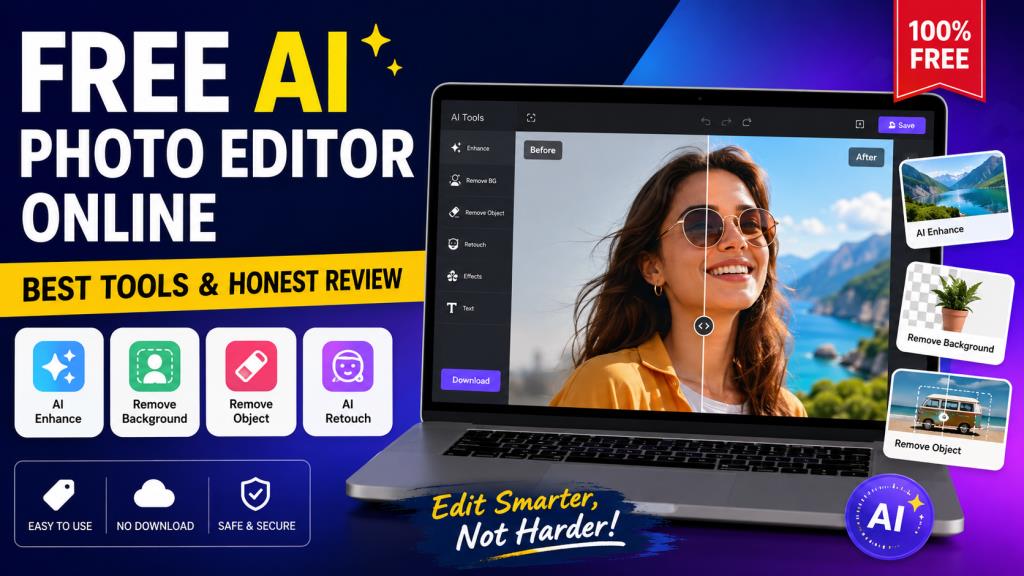
Free Ai Photo Editor Online: Best Tools & Honest Review
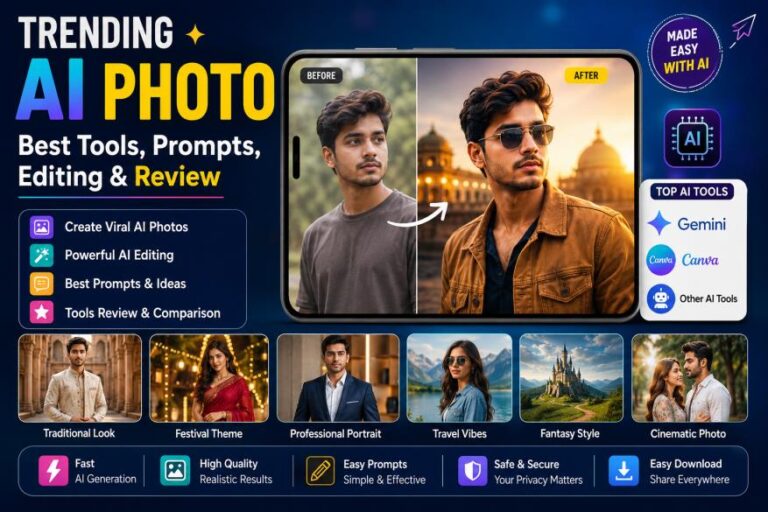
Photo editing has become much easier with AI. You no longer need advanced Photoshop skills to improve a picture. Today, you can upload an image to a browser-based editor and let AI handle many difficult tasks. A free AI photo editor online can remove backgrounds, erase unwanted objects, improve image quality, retouch portraits, and apply creative effects within seconds.
For readers of Editprotipsai.net, these tools are especially useful because they work directly in a web browser. There is usually no need to install large software on a computer. You can edit a photo from a laptop, tablet, or smartphone.
However, the word free needs some explanation. Many AI editors offer a free plan, but the free version may have limits. Some restrict the number of edits. Others limit export quality or reserve advanced AI features for paid users. Therefore, choosing the right tool requires more than looking at the word “free.”
In this guide, we review the main features, benefits, limitations, and safety concerns of online AI photo editors. We also compare popular options so you can choose one based on your actual needs.
What Is a Free AI Photo Editor Online?
A free AI photo editor online is a web-based image editing service that uses artificial intelligence to help modify photos. Instead of manually adjusting every setting, users can often describe what they want or select an AI-powered tool.
For example, you may upload a portrait and ask the editor to remove the background. AI can detect the person and separate them from the background automatically. You can then place the person over another background.
AI editors can also help with brightness, sharpness, color, unwanted objects, skin retouching, image expansion, and other tasks. The main advantage is convenience. The editing happens through a browser. You do not necessarily need expensive software or a powerful computer.
How Does an Online AI Photo Editor Work?
AI photo editors use computer vision and machine-learning models to understand the contents of an image. When you upload a photo, the system analyzes different parts of it. It can identify subjects, backgrounds, faces, objects, colors, and other visual details.
Some tools use simple AI buttons. Others allow text instructions. For example, a user might select an unwanted object and ask the editor to remove it. The AI then studies the surrounding pixels and generates a replacement area.
Generative editing is more advanced. It can add or replace parts of an image based on a written instruction. Pixlr, for example, currently offers AI background removal, object removal, generative fill, generative expand, and other AI tools in its browser editor.
The result depends on the original image, the AI model, and the quality of the instruction. AI is powerful, but it is not perfect. Complex hair, hands, transparent objects, shadows, and crowded backgrounds can still produce mistakes.
Best Free AI Photo Editors Online
There is no single editor that is perfect for everyone. The best choice depends on what you want to do.
Adobe Express is a strong option for users who want a simple interface and professional-looking results. Its online editor supports common adjustments, filters, enhancements, text, resizing, and other editing features. Adobe also provides AI-powered image enhancement tools.
Pixlr is useful for people who want more editing control in the browser. Its current AI tools include background removal, object removal, generative fill, generative expand, AI image generation, and image enhancement.
Fotor is another beginner-friendly option. It focuses heavily on quick enhancement and retouching. It can be useful when you want to improve a photo without spending a lot of time learning complicated editing controls.
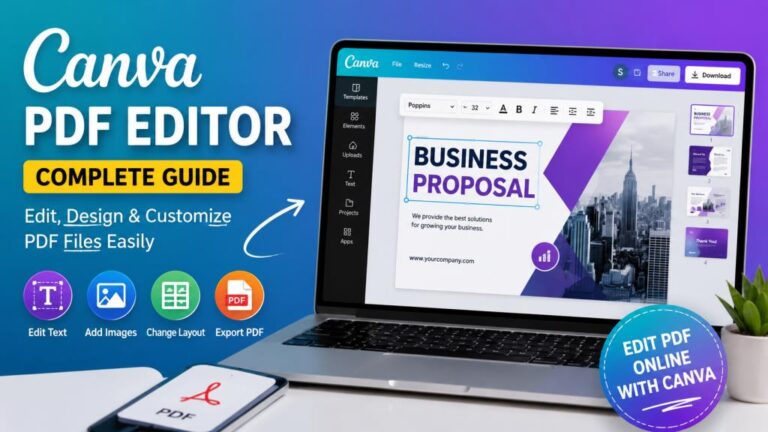
Canva is particularly useful for social media posts, banners, thumbnails, and designs that combine photos with text. It is more of an all-in-one design platform than a dedicated photo editor.
Photopea is worth considering if you want a more traditional editing experience. It offers browser-based controls that are closer to professional image-editing software.
Free plans change regularly. Some features that are free today may become limited later. Always check the current plan before relying on a tool for important work.
Key Features of Free AI Photo Editors
The best free AI photo editor online should offer useful features without making the editing process difficult. The most important feature is usually ease of use. A beginner should be able to upload an image and understand the main editing controls quickly.
Background removal is another valuable feature. It can save a lot of manual work when preparing product images, profile photos, or social media graphics.
AI enhancement is also useful. It can improve sharpness, brightness, contrast, and other visual details. Some tools can upscale smaller images while trying to preserve important details.
Object removal is helpful for cleaning up photos. You can remove signs, people, wires, marks, or other unwanted elements.
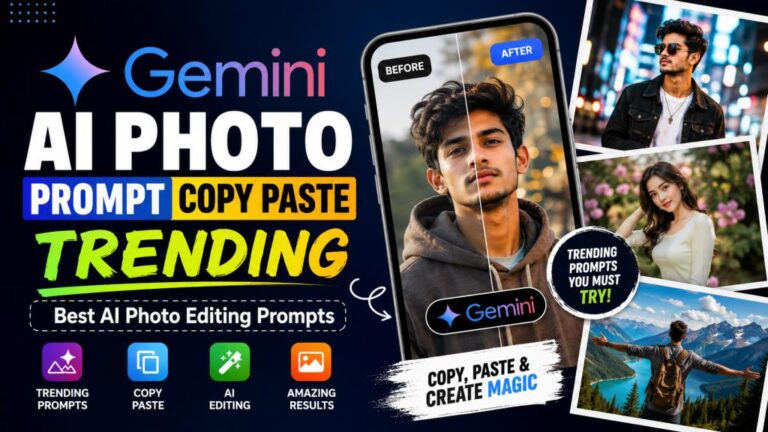
Text-based editing is becoming more common. Instead of searching through many menus, you can describe the change you want. This can make advanced editing easier for beginners.
How to Edit Photos With AI Online for Free
Using a free AI photo editor online is usually straightforward. Most platforms follow a similar process.
- Open the editor and upload your photo. Choose a clear image in a supported format such as JPG or PNG.
- Choose an AI editing tool. Depending on the platform, you may find background removal, enhancement, object removal, retouching, or generative editing.
- Review and download the result. Check the edited image carefully before saving it. Look for strange edges, unwanted details, or changes to the subject.
Do not immediately accept every AI result. A quick manual correction can often make the final image much better.
Pixlr’s official instructions similarly describe a simple workflow of opening the editor, uploading an image, editing it, and saving the finished file.
AI Background Removal and Replacement
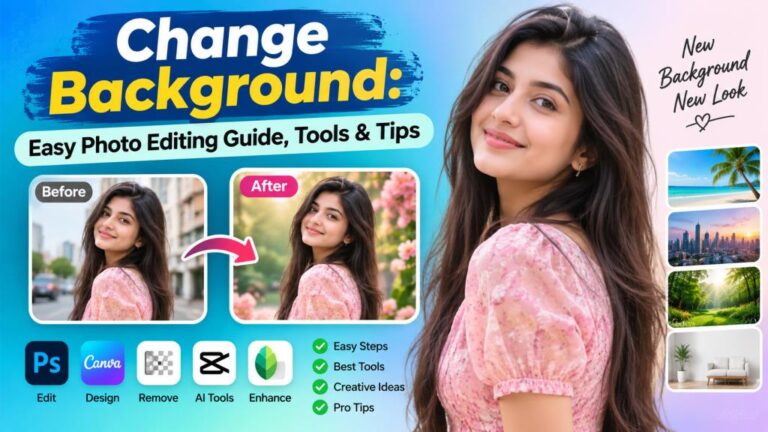
Background removal is one of the most popular uses of AI photo editing. Traditionally, removing a background could take considerable time. AI can often detect the main subject automatically. This feature is useful for product photos, profile pictures, online stores, advertisements, and social media graphics. Once the background has been removed, you can replace it with a solid color, another image, or an AI-generated environment.
Good AI background removal should preserve important edges. Hair is one of the biggest challenges. Thin hair strands can easily disappear or become rough around the edges. Pixlr currently lists one-click AI background removal as one of its AI quick-action tools. Adobe Express also provides background-removal functionality within its online editing workflow.
AI Photo Enhancement and Image Upscaling
Many people use AI because their original photo is blurry, dark, noisy, or too small. AI enhancement can improve these problems to some degree. An AI enhancer analyzes the image and attempts to create a cleaner version. It may improve sharpness, reduce noise, adjust lighting, and restore some visible detail.
Upscaling is slightly different. It increases the dimensions of an image while attempting to maintain or reconstruct details. This can be useful when preparing images for websites, presentations, or printing.
However, AI cannot magically recover every detail that was never captured by the camera. A badly damaged or extremely low-resolution photo may still contain visible artifacts after enhancement.
Adobe Express currently promotes AI-powered enhancement alongside features such as background removal and retouching.
AI Object Removal and Photo Retouching
Object removal is another major advantage of modern AI editing. You can select an unwanted object and allow AI to fill the empty space. This can be useful when removing people in the background, distracting objects, small marks, or unwanted elements from a picture.
AI retouching can also improve portraits. Depending on the editor, you may be able to reduce blemishes, improve lighting, soften skin, or make other adjustments.
The key is moderation. Overusing portrait AI can make a face look unnatural. A good edit should improve the photo while keeping the person recognizable and realistic. Pixlr currently includes AI object removal and AI-powered editing tools as part of its online platform.
Free AI Photo Editor Online for Beginners
Beginners should look for simplicity rather than the largest number of features. An editor with hundreds of complicated controls may be less useful than a tool with ten clear AI buttons.
A good beginner editor should make the basic workflow obvious. Uploading a photo, selecting an effect, checking the preview, and downloading the result should not require advanced knowledge.
Adobe Express is designed around a relatively simple online editing workflow. Its official editor supports basic adjustments such as brightness, contrast, saturation, warmth, sharpening, filters, and blur.
For beginners, I recommend starting with simple tasks. Try background removal or image enhancement first. Once you understand how AI changes your image, move on to more advanced generative tools.
Free AI Photo Editor Online for Mobile Users
Mobile users can also benefit from online AI editing. A browser-based editor can be convenient when you do not want to install another application.
The most important factor is a responsive interface. Buttons should be easy to tap, uploads should work smoothly, and the final image should be easy to save.
Mobile editing is particularly useful for social media users. You can take a photo, upload it, improve it, and prepare it for a post without transferring the image to a computer.
Pixlr states that its tools are available across web, iOS, and Android, giving users several ways to access its editing workflow.
Free vs Paid AI Photo Editors: What’s the Difference?
A free AI photo editor online can be enough for occasional editing. However, regular users may quickly encounter limits.
Free plans can restrict AI credits, export resolution, storage, advanced tools, or the number of projects. Some services also place watermarks on certain free exports.
Paid plans generally provide more AI usage and additional features. They may also offer better export options, larger storage, premium templates, or faster processing.
The important point is that “free” does not always mean unlimited. Before choosing a tool for regular work, check what the free plan actually includes.
Free AI Photo Editor Comparison Table
| Editor | Best For | AI Features | Free Option | Main Limitation |
|---|---|---|---|---|
| Adobe Express | Beginners and content creators | Enhancement, background removal, AI tools | Yes | Some AI features use credits |
| Pixlr | Browser-based editing | Object removal, background removal, generative fill, expand | Yes | Advanced AI usage can require paid credits |
| Fotor | Quick enhancement | Retouching and enhancement | Yes | Some advanced features are limited |
| Canva | Social media and designs | AI-assisted design and editing | Yes | Some advanced AI/design features require paid access |
| Photopea | More traditional editing | Advanced browser editing | Yes | More manual than AI-first tools |
| PhotoRoom | Product photography | Background removal and product-focused editing | Yes | Free usage can have limitations |
Feature availability and free-plan limits can change. Pixlr, for example, currently describes a free browser editor while also offering paid plans with additional AI credits and features. Adobe Express also clearly labels its online image editor as free to use, while noting that some AI-powered features require generative credits.
Pros and Cons of Free AI Photo Editors Online
A free AI photo editor online offers several clear advantages. You can start without purchasing expensive software. Most basic editing can be completed directly in a browser. AI also reduces the amount of manual work required.
Another benefit is speed. Tasks that once required careful selection and masking can sometimes be completed with one click.
However, there are disadvantages. Free plans may have usage limits, watermarks, lower export quality, or restricted AI features. Online editors also require an internet connection for most AI processing.
Privacy is another consideration. You should understand what happens to uploaded images before using an unfamiliar service.
Read More: Image to PDF: Easy Ways to Convert Images into PDF Files
Are Free Online AI Photo Editors Safe to Use?
Online AI editing is generally convenient, but users should still think about privacy. A photo uploaded to a website may be processed on remote servers.
Avoid uploading highly sensitive images unless you understand the service’s privacy terms. This is especially important for personal documents, private photographs, and images containing confidential information.
Look for established services with clear privacy policies. Check how the company handles uploaded content and whether files are retained.
You should also use strong account security when an account is required. Do not upload private images to an unknown website simply because it advertises itself as free.
The major platforms discussed above provide their own terms and privacy information. For example, Adobe’s online editor states that uploading an image means agreeing to its Terms of Use and Privacy Policy.
Final Verdict: Is a Free AI Photo Editor Online Worth It?
Yes. For most casual users, a free AI photo editor online is an excellent way to improve photos without purchasing professional software.
These tools are especially useful for background removal, image enhancement, object removal, portrait editing, social media content, and quick creative changes. They can save time and make advanced editing accessible to beginners.
However, you should choose the tool according to your needs. Adobe Express is a strong choice for simple and professional-looking online edits. Pixlr is useful for people who want a wider range of browser-based AI tools. Fotor is convenient for quick enhancement, while Canva is useful when photo editing is part of a larger design project.
The best approach is to start with a free option and test it with your own images. Pay attention to output quality, speed, watermarks, AI limits, and privacy.
If you only edit photos occasionally, a free plan may be more than enough. If you edit images every day, you may eventually benefit from a paid plan.
Ultimately, the best free AI photo editor online is not necessarily the one with the longest feature list. It is the one that gives you the tools you actually need, produces natural-looking results, and lets you complete your work without unnecessary restrictions.